Sell Your Phone for Cash in Rockland County
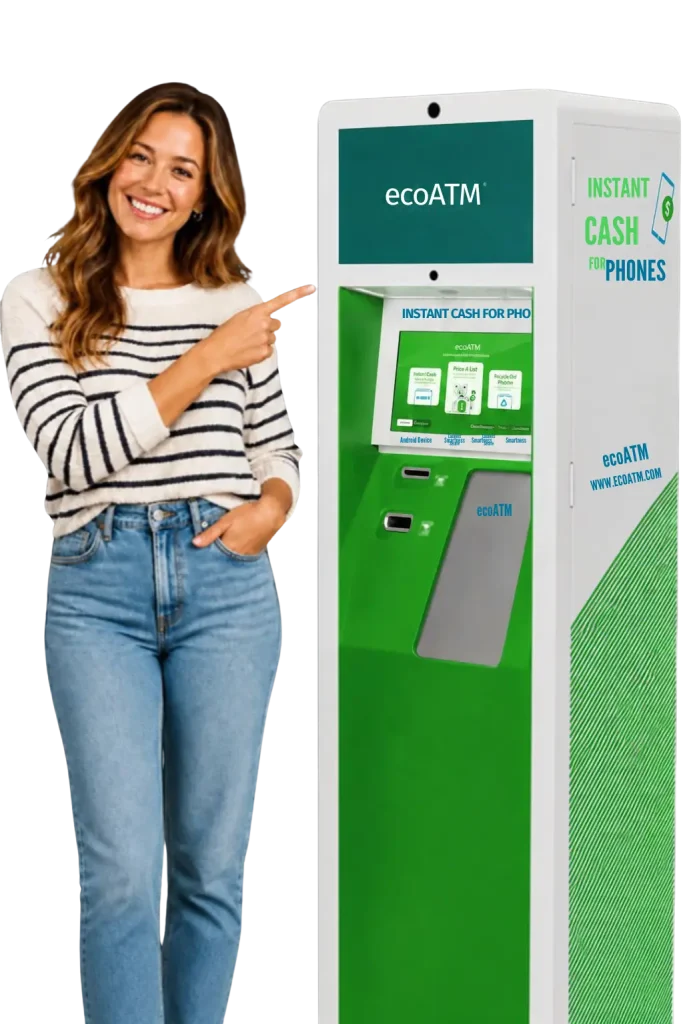
Have an old or unused phone sitting in a drawer? Bring it to an ecoATM kiosk inside David’s Money Centers of Rockland.
The self-service kiosk evaluates your device and presents a cash offer. You can review the offer before deciding whether to sell. If you accept and the transaction is approved, you can complete the sale and receive cash at the kiosk.
ecoATM phone buyback kiosks are available now at our Nanuet and Spring Valley locations. No appointment is needed.
Why Sell Your Phone at David’s?
David’s gives Rockland County residents a convenient place to sell eligible phones for cash through an in-store ecoATM kiosk.
Review a cash offer
The kiosk evaluates your phone and presents an offer based on the device and its condition.
Decide before selling
You can accept or decline the offer after reviewing it.
Receive cash at the kiosk
Approved transactions are paid at the kiosk after the sale is completed.
Visit without an appointment
Stop by during the participating location’s regular business hours.
Complete other errands
Check cashing, bill payment, money transfers and other financial services are available at the same locations.
Give an old phone another use
Depending on its condition, the device may be refurbished or recycled for its materials.
How Does the ecoATM Phone Buyback Kiosk Work?
1. Prepare Your Phone
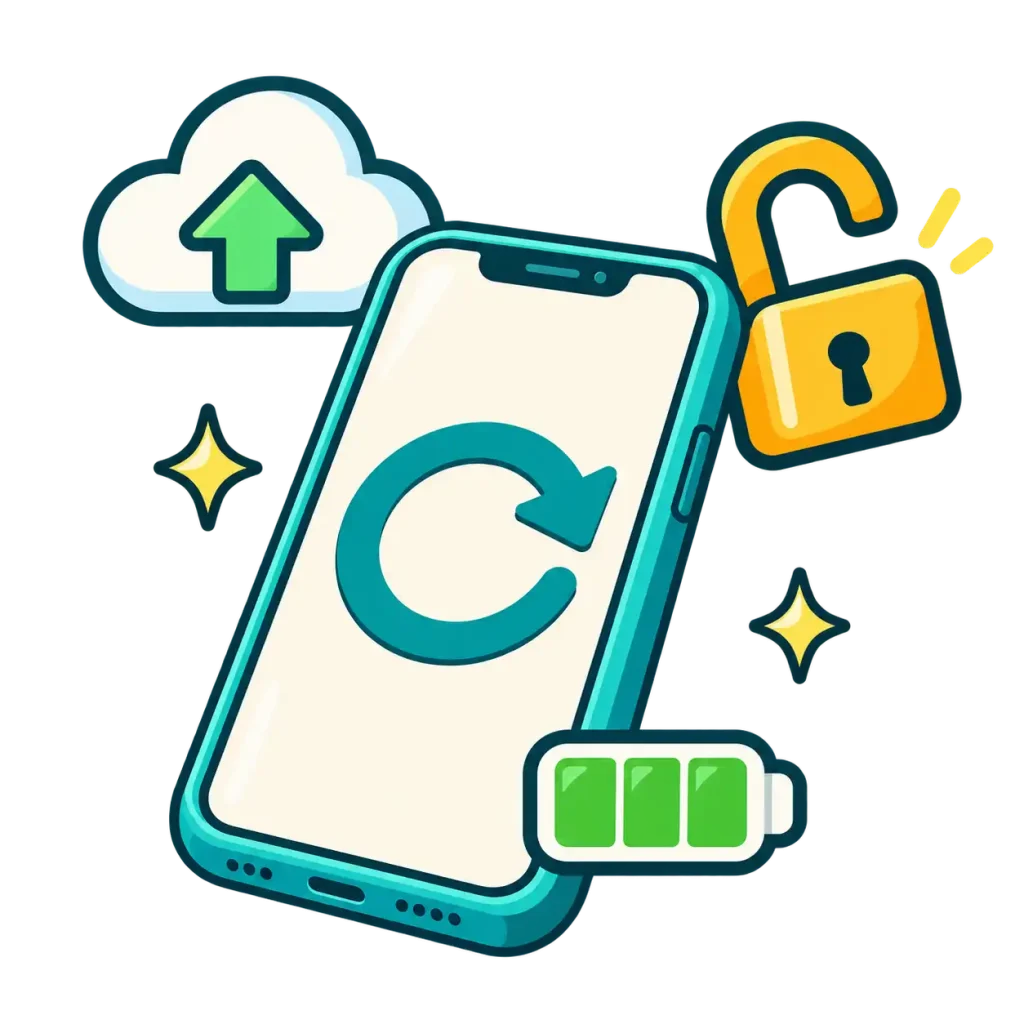
Charge your phone, back up anything you want to keep and sign out of your connected accounts. Turn off activation locks such as Find My iPhone and factory-reset the device before selling it.
2. Bring Your Phone and Photo ID
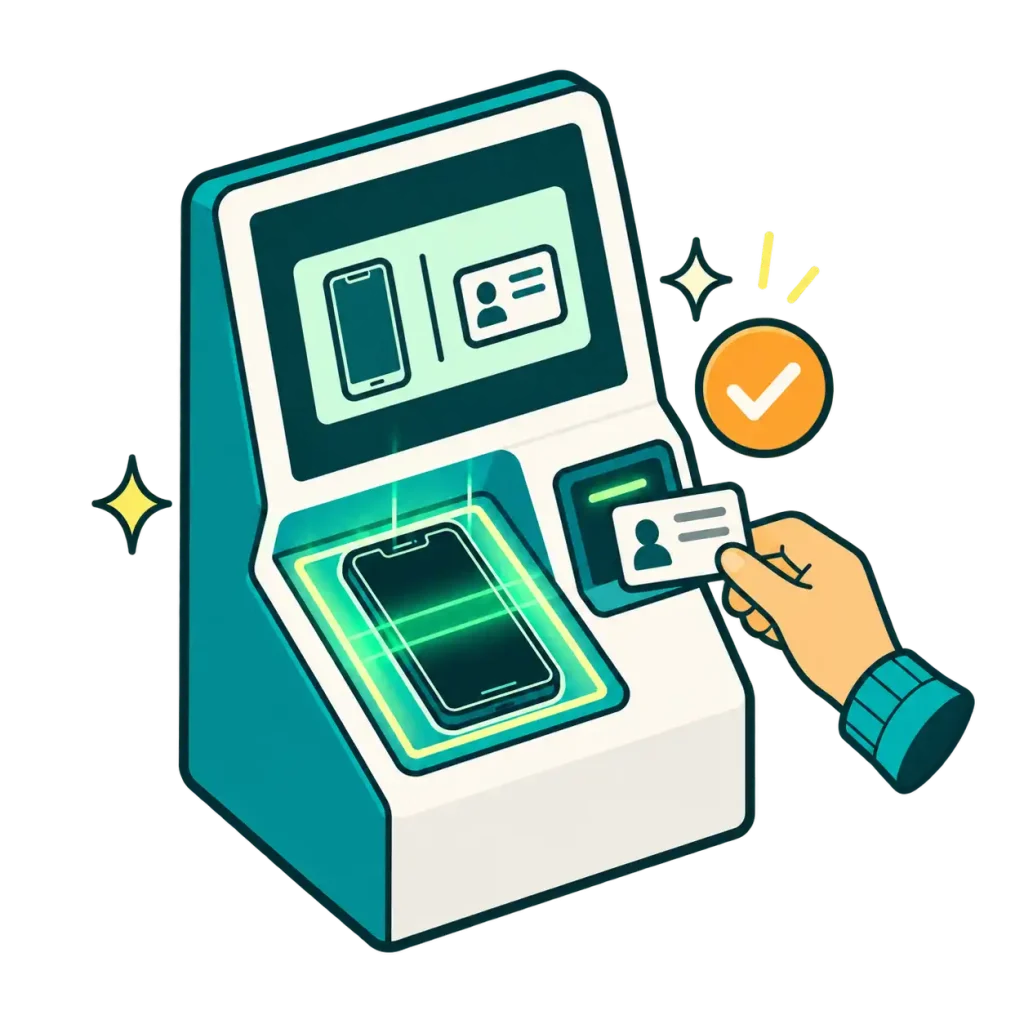
Bring your phone and a valid, unexpired state-issued photo ID to the ecoATM kiosk. The kiosk verifies your identity and evaluates factors such as the phone’s model, condition, storage capacity and carrier status.
3. Review Your Offer and Get Paid
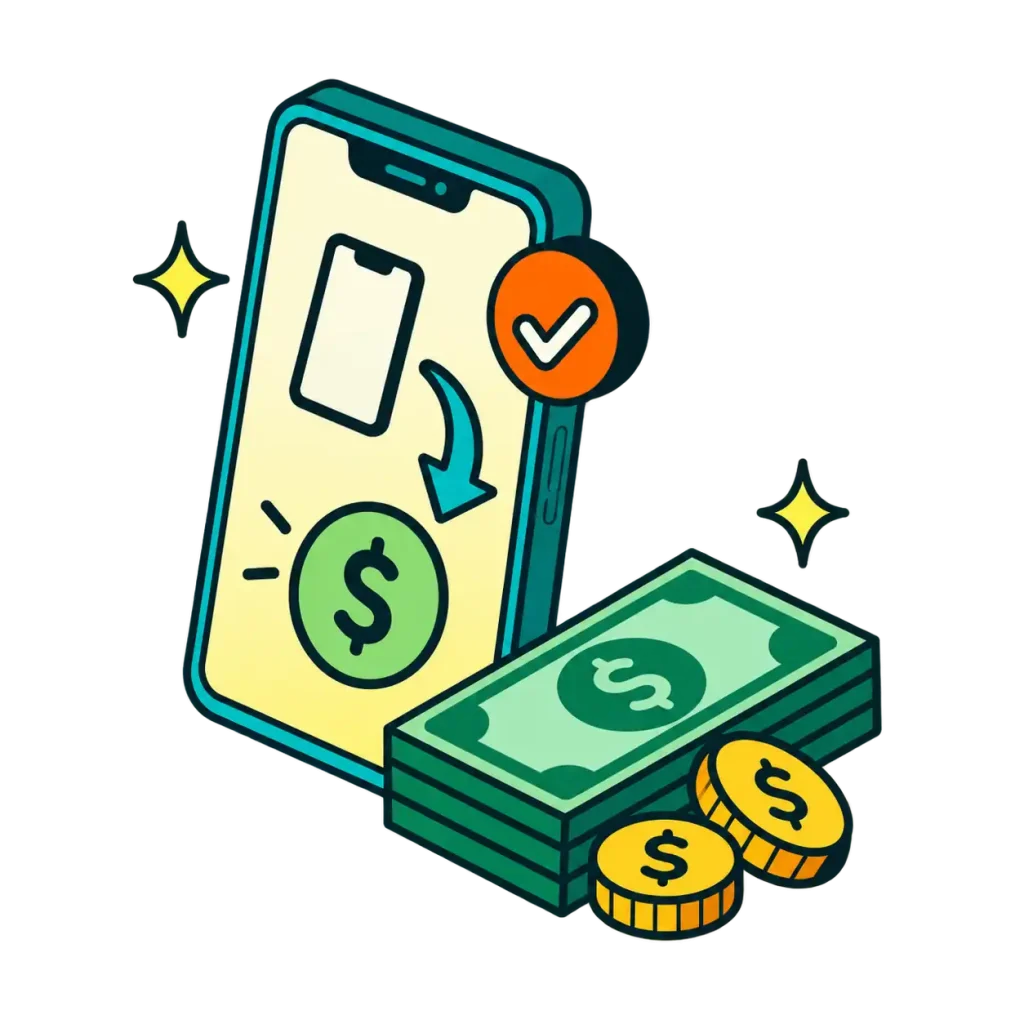
The kiosk presents a cash offer after evaluating your phone. You can accept or decline the offer with no obligation to sell. If you accept and the transaction is approved, complete the sale and receive cash at the kiosk.
How Should You Prepare Your Phone for Sale?
Complete these steps before bringing your phone to the kiosk:
Back Up Your Information
Save your photos, contacts, messages, files and anything else you want to keep.
Sign Out of Connected Accounts
Sign out of your Apple ID, iCloud, Google account and other accounts connected to the phone.
Turn Off Activation Locks
Disable Find My iPhone or any comparable activation-lock feature. An active account or device lock may prevent the phone from being accepted.
Factory-Reset the Phone
Erase your personal information before the phone leaves your possession.
Charge the Device
Bring the phone charged so the kiosk can inspect and evaluate it.
Remove Your SIM Card
You may remove the SIM card before selling the phone. Contact your wireless carrier if you need help deactivating or replacing it.
You do not need to bring the charger, case, cables or original packaging.
What Phones Can You Sell at an ecoATM Kiosk?
The kiosk evaluates many commonly used mobile phones, including iPhones and Android devices.
A phone with a cracked screen, cosmetic damage or functional problems may still be evaluated. The kiosk determines whether the device qualifies and how much it may be worth.
The phone must belong to you and be legally eligible for sale. A device may be declined if it:
- Is reported lost or stolen
- Has an active account or activation lock
- Is connected to an ownership restriction
- Appears on a device block list
- Cannot legally be sold by the person presenting it
The kiosk makes the final eligibility and offer decision after inspecting the device.
Who Operates the Phone Buyback Kiosk?
The phone buyback kiosks inside participating David’s Money Centers locations are operated by ecoATM.
David’s provides the in-store kiosk location. ecoATM handles the device evaluation, identity verification, eligibility decision, cash offer and approved transaction.
For help with a kiosk transaction, follow the support instructions displayed on the kiosk or contact ecoATM customer support.
Where Can You Sell Your Phone for Cash?
Phone buyback kiosks are currently available at David’s Money Centers in Nanuet and Spring Valley, New York.
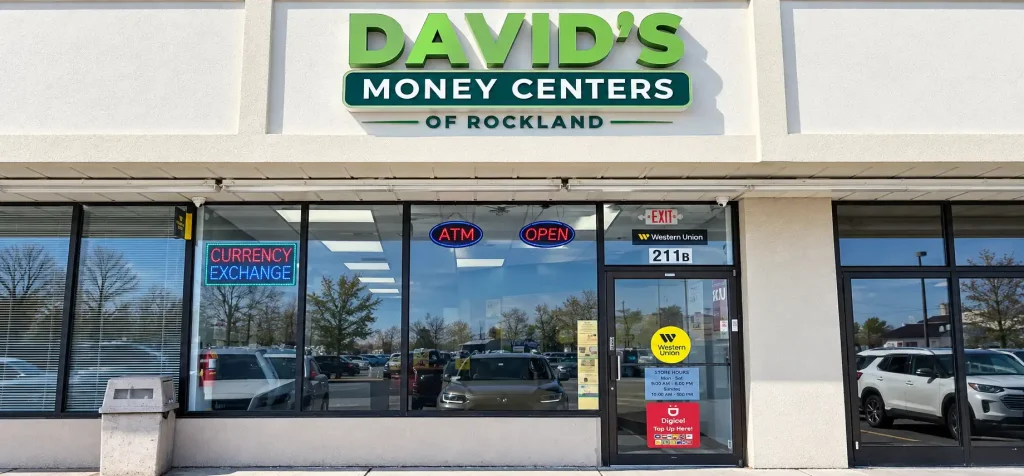
Sell Your Phone for Cash in Nanuet
David’s Money Centers of Rockland
211B NY-59
Nanuet, NY 10954
Across from Home Depot, next to Dunkin’
Phone: (845) 507-0150Hours
Monday–Friday: 8:30 AM–8:00 PM
Saturday: 9:00 AM–5:00 PM
Sunday: Closed
ecoATM Phone Buyback Kiosk: Available Now
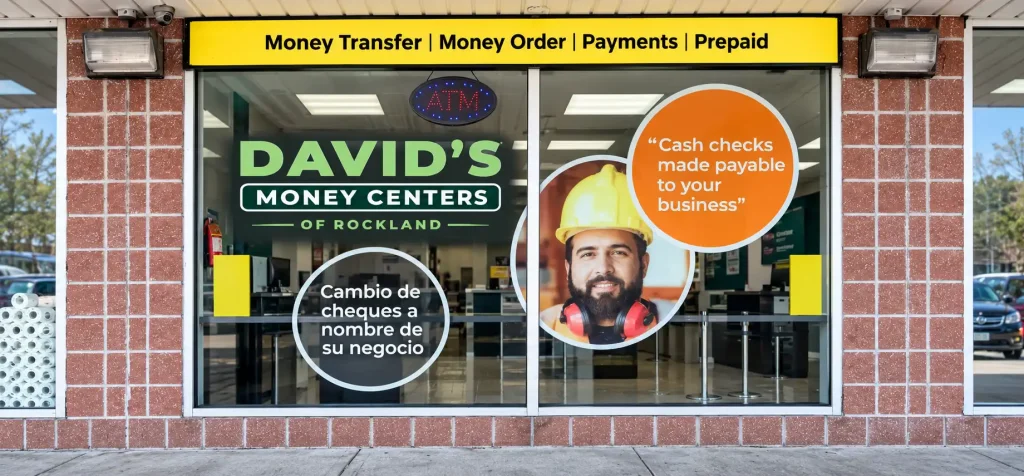
Sell Your Phone for Cash in Spring Valley
David’s Money Centers of Rockland
205 W Rte 59
Spring Valley, NY 10977
Located on West Route 59
Phone: (845) 306-5720Hours
Monday–Friday: 8:30 AM–8:00 PM
Saturday: 9:00 AM–5:00 PM
Sunday: 9:00 AM–5:00 PM
ecoATM Phone Buyback Kiosk: Available Now
Phone buyback kiosks are not currently available at the Nyack or West Haverstraw locations.
Phone Buyback Kiosk FAQ
Do I need identification to sell my phone?
Yes. Bring a valid, unexpired state-issued photo ID. The kiosk uses your identification to verify the transaction.
Do I need an appointment?
No. Visit the Nanuet or Spring Valley kiosk during the location’s regular operating hours.
How does the kiosk determine my phone’s value?
The kiosk evaluates factors such as the device model, condition, storage capacity and carrier status before presenting an offer.
Do I have to accept the offer?
No. You can review the offer and decide whether you want to sell your phone.
Can I sell a phone with a cracked screen?
A damaged phone may still be evaluated. The kiosk determines whether the device qualifies and what offer is available.
Can I sell a phone that does not turn on?
The kiosk determines eligibility after examining the device. A non-working phone may receive a lower offer than a comparable working device or may not qualify.
Can I sell an iPhone or Android phone?
The kiosk evaluates many commonly used mobile phones, including iPhones and Android devices. Final eligibility is determined at the kiosk.
Can I sell a phone with an activation lock?
An activation or account lock may prevent the phone from being accepted. Sign out of connected accounts and disable features such as Find My iPhone before visiting.
Can I sell a phone that belongs to someone else?
No. You can only sell a device that belongs to you and that you are legally permitted to sell.
What should I do with my personal information?
Back up anything you want to keep, sign out of your accounts, disable activation locks and factory-reset the phone before completing the sale.
Do I need the charger or original box?
No. Bring the phone itself. Chargers, cases, cables and original packaging are not required for the kiosk evaluation.
How do I get paid?
If you accept the offer and complete an approved transaction, the kiosk provides cash at the time of sale.
What happens to the phone after it is sold?
Depending on its condition, the device may be refurbished for continued use or recycled for its materials.
Sell Your Phone for Cash at David’s
Bring your charged phone and valid, unexpired state-issued photo ID to an ecoATM kiosk inside our Nanuet or Spring Valley location.
The kiosk will evaluate the device and present an offer. You decide whether you want to complete the sale.